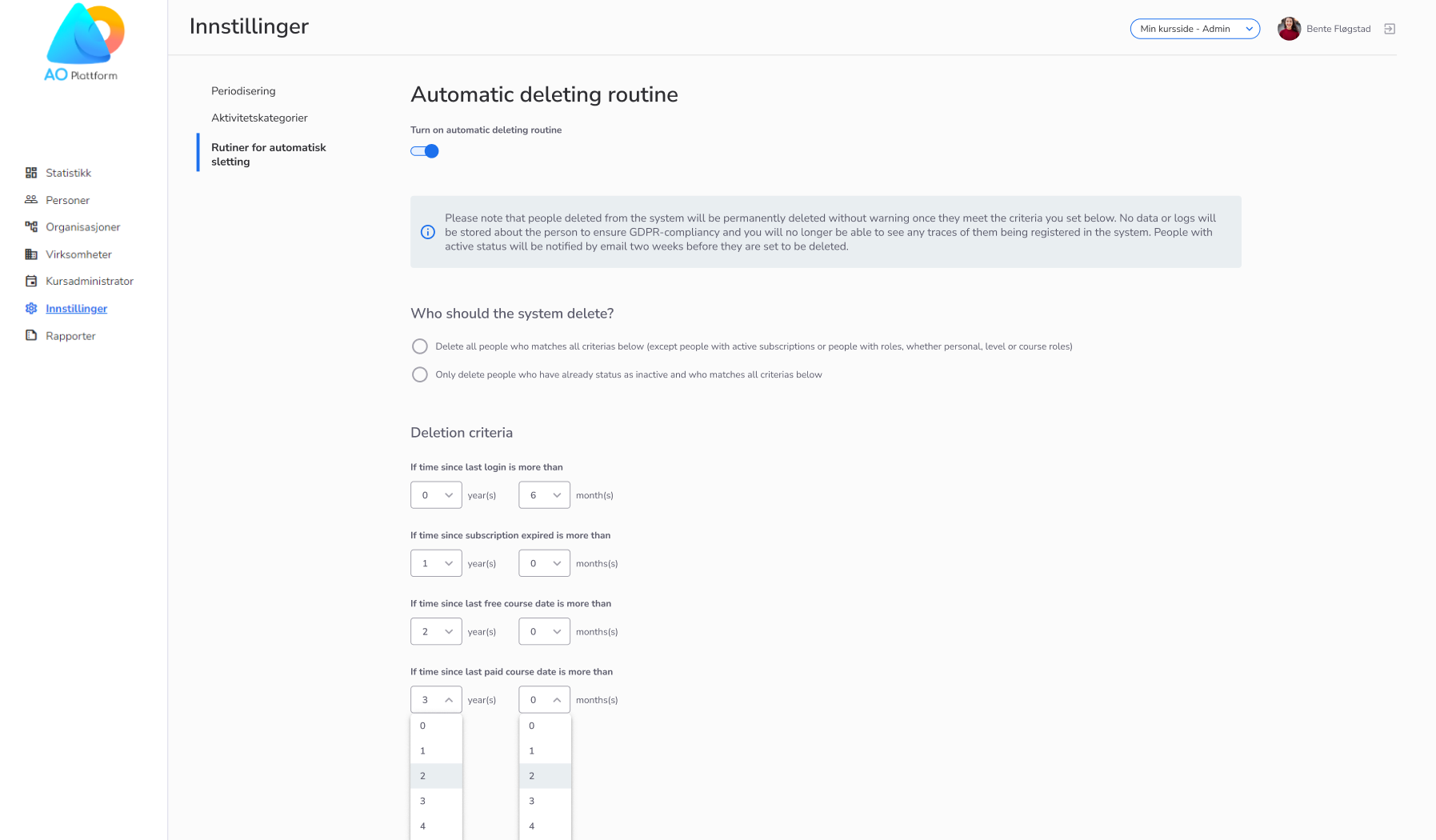
We have added a feature which lets super administrators set criteria for when users should be automatically deleted from the system.
The feature can be turned on and off by a switch.
First, you select who should be included in the automatic deletion routine. Choose between:
Inactive users will be automatically deleted once they match all criteria selected.
Active users will now receive a notification prompting them to log in to the system within two weeks to avoid being marked as inactive and then deleted.
It is strongly advised not to modify the predefined rules or disable the deletion routine feature, as doing so may result in unintended consequences.
Please see the screenshot below:
The purpose of this feature is to prevent many inactive people from still registered in the system.
This will in turn:
We have added a new feature for administrators who have rights to the company, courses and person lists in the administrator view (front). They are now able to go to apply filters on either companies or courses and then view all people connected to those ашдеукі, in the person list.
This will allow administrators to create better mailing lists and generate better statistics, more efficiently.
Saving time to make lists and requested statistics
Saving time making email lists
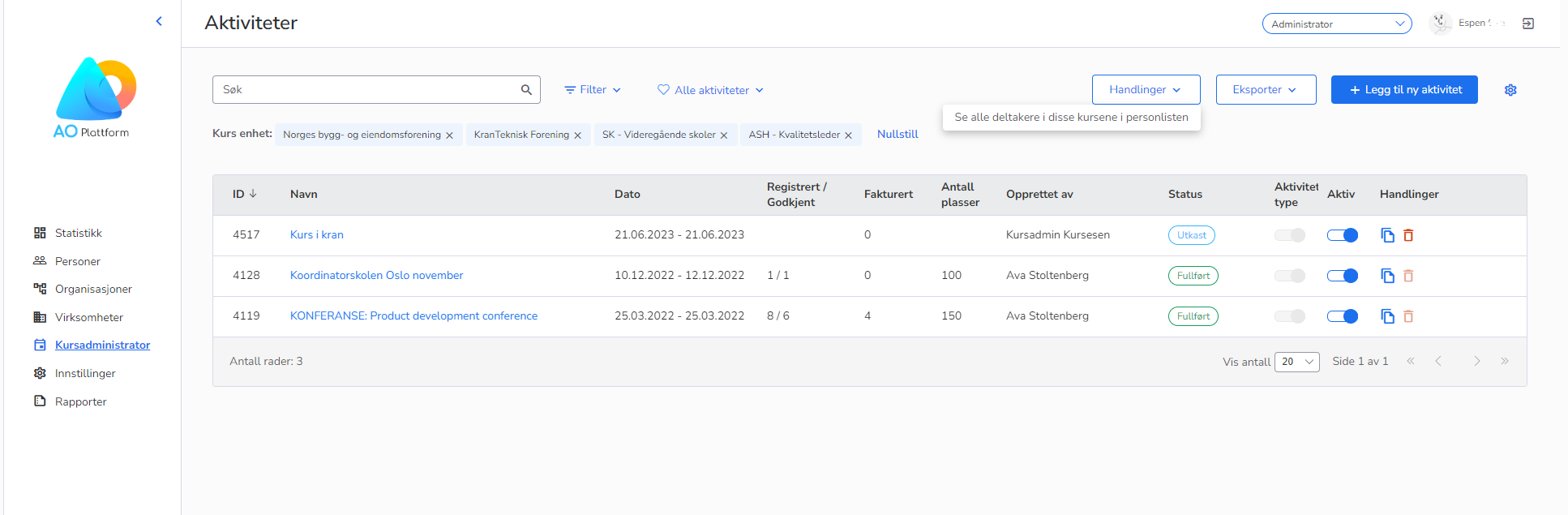
In the course list, find this feature under "Handlinger":
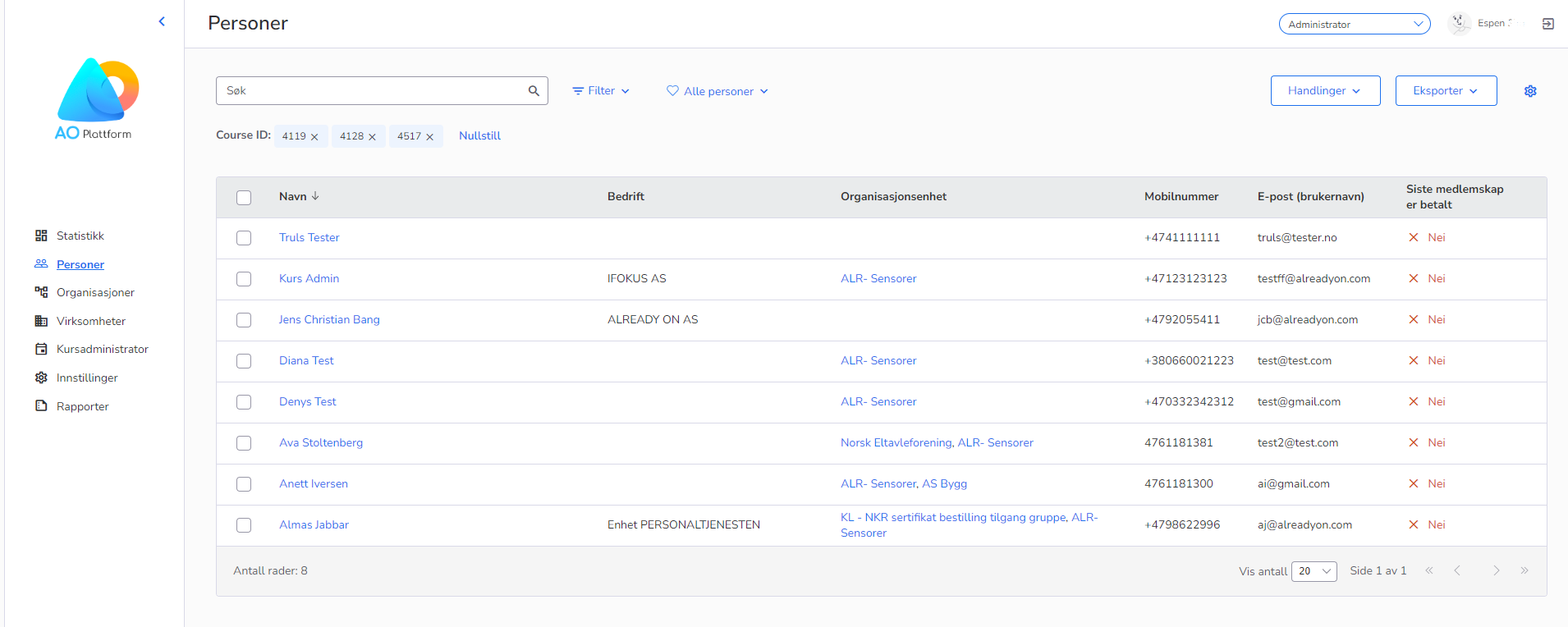
And see all people connected to those courses in the persons' list:
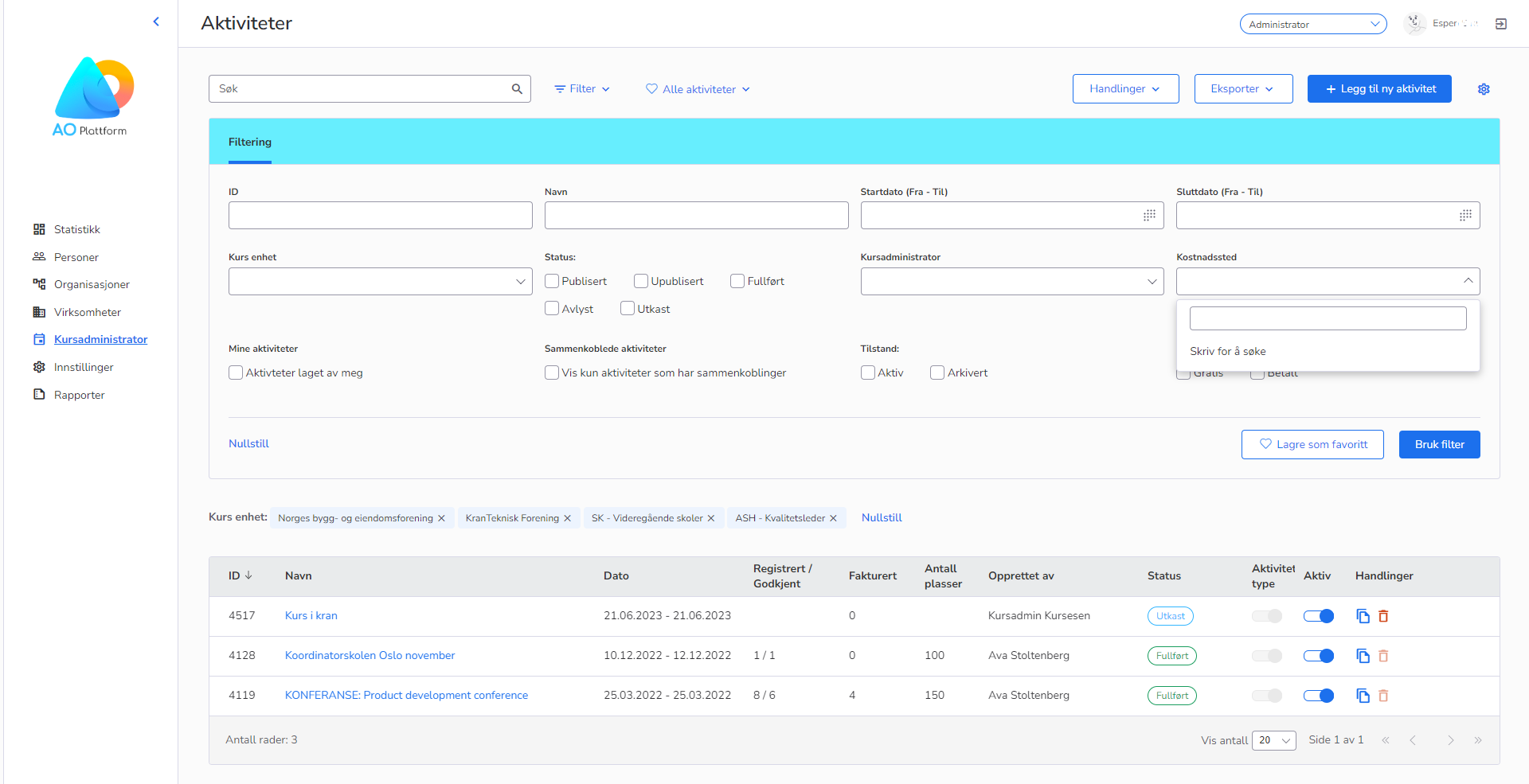
Additionally, we have added a filter option on the courses lists page. You can now filter on "Kostnadssted".
We have reorganized the filters on the person list page by moving some filters "Medlemskap" over to a new tab called "Relasjoner".
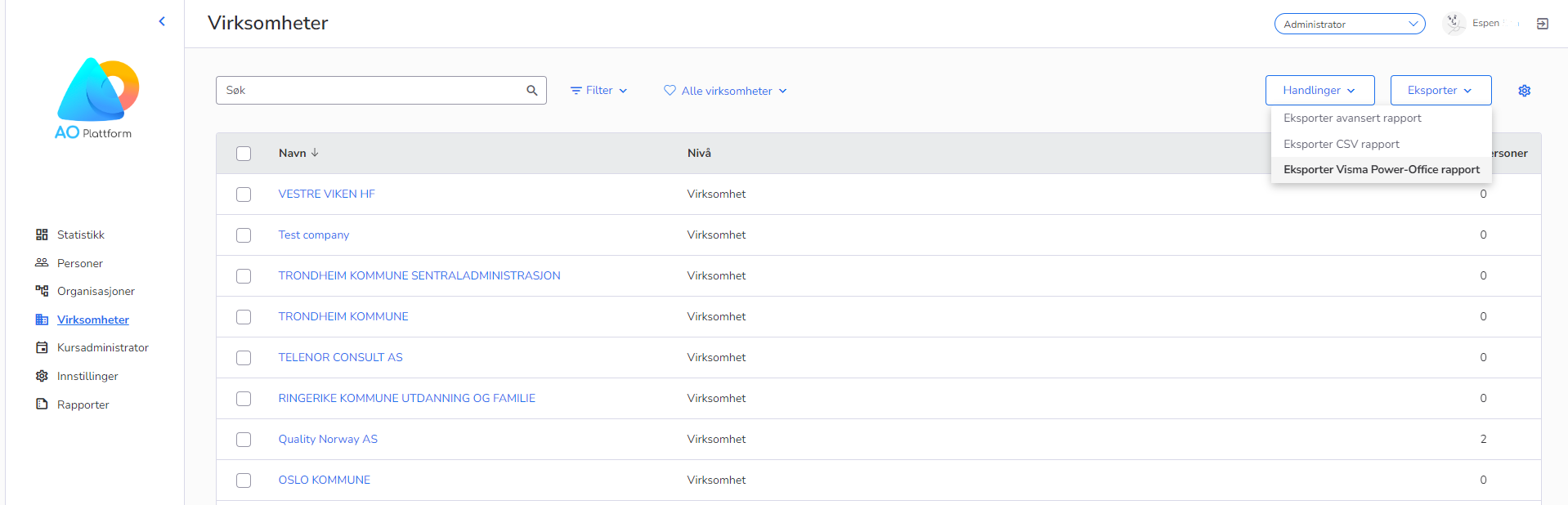
On the companies list page, the "Visma Power Office report" button has been moved to the “Export”-dropdown button.