Course participants (who register themselves) are to be automatically invoiced at once even if the auto invoicing date has passed. This means that the admin won’t have to manually invoice such participants.
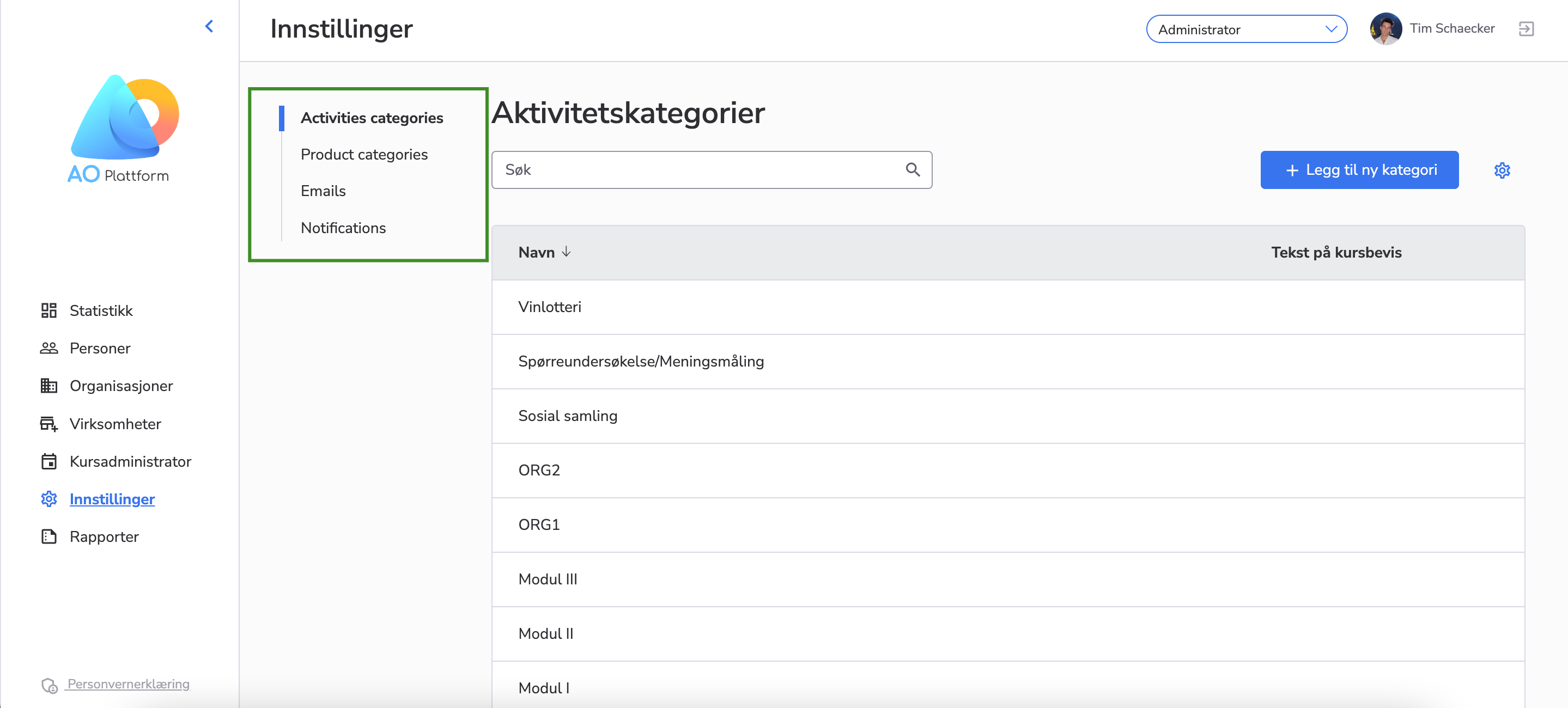
Now we have the “Levels” and “Companies” lists separately shown in the left navigation menu on My Administrator, so it’s easier to navigate.
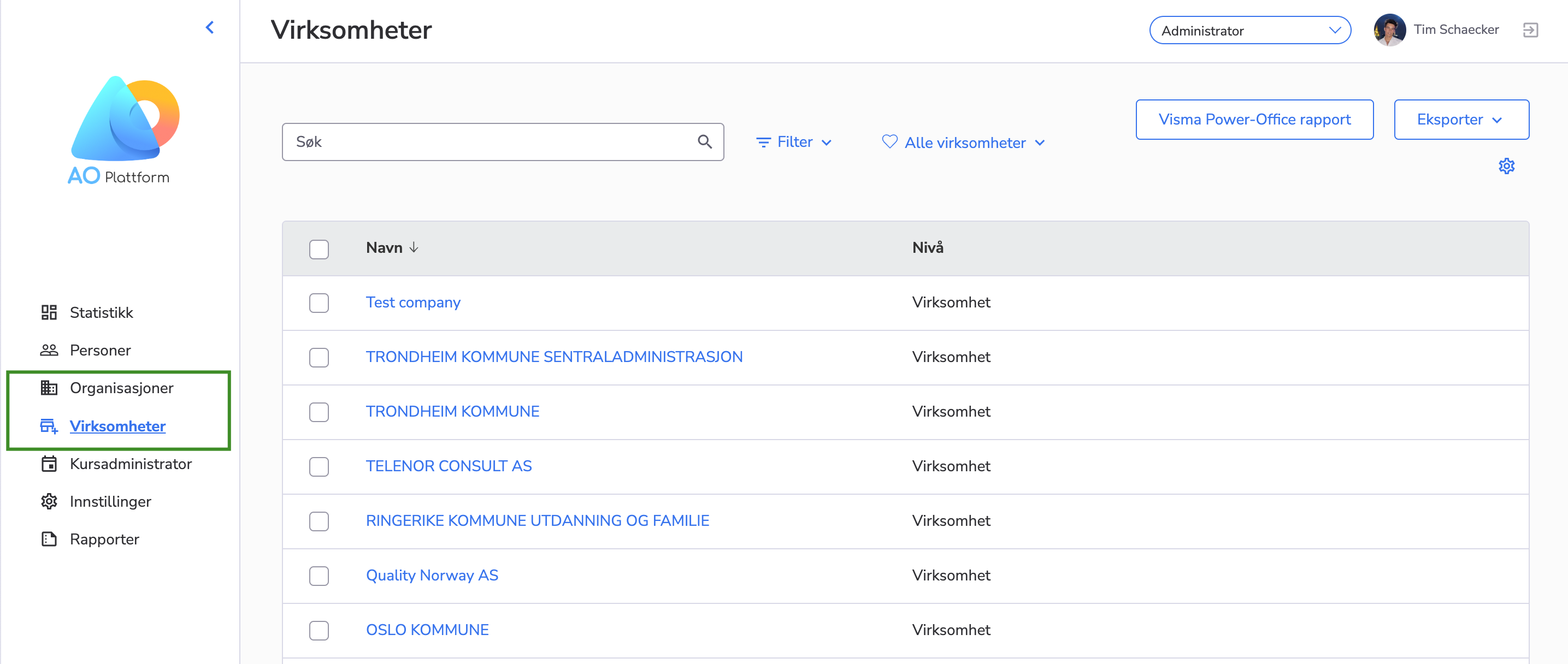
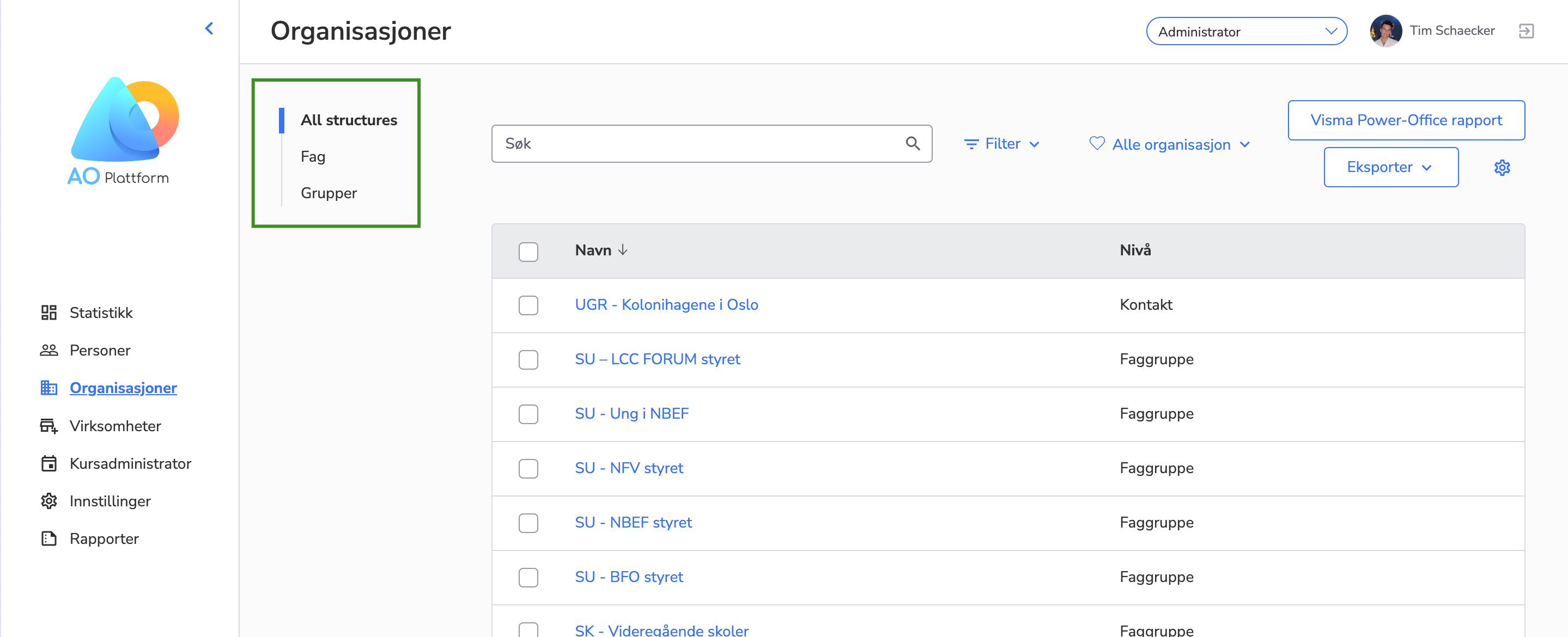
Also, on the “Levels” list there is a second-level navigation menu in which the level structures and the list of levels are displayed. When any level structure is clicked from the second-level navigation menu, the list of the level types in the selected structure is displayed on the page.
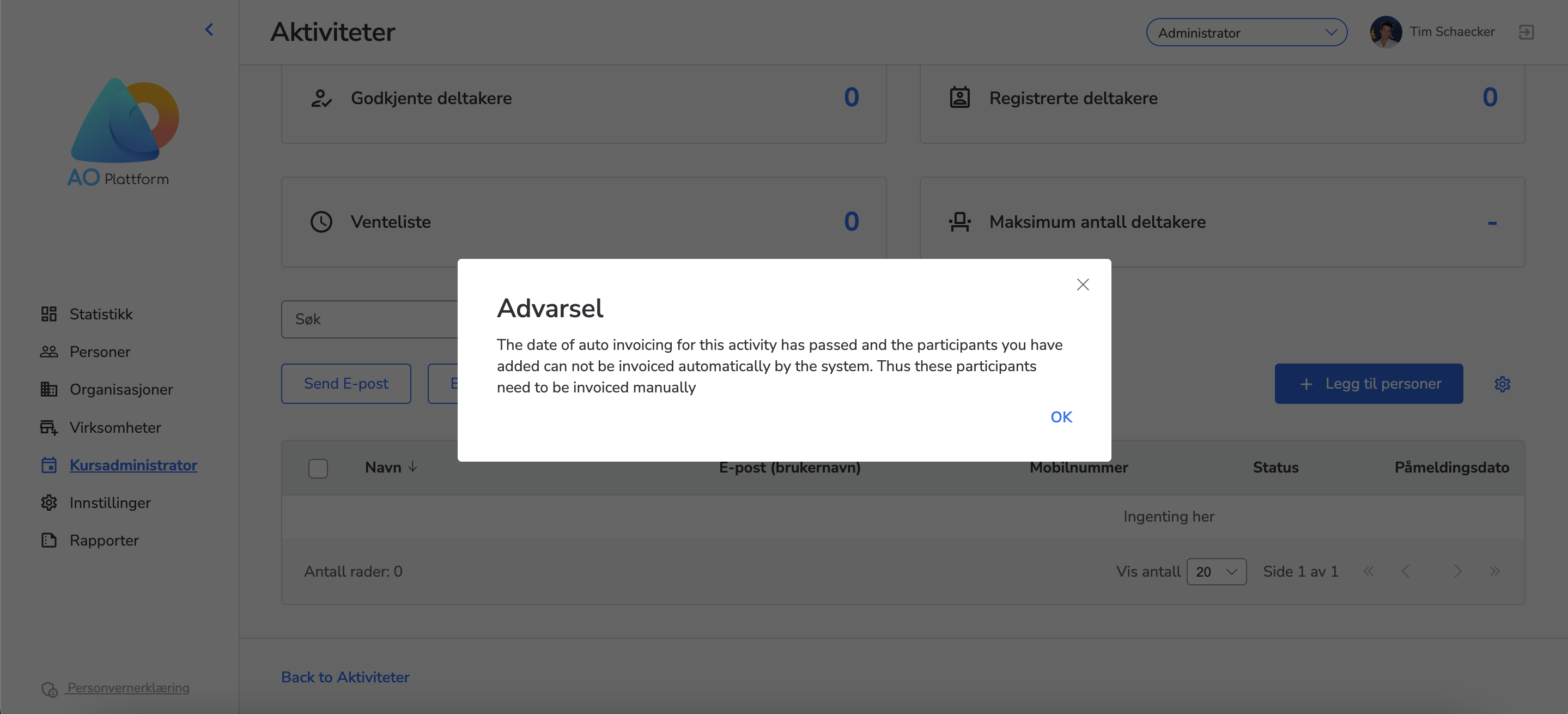
Now, when the admin manually adds a participant(s) to the course after the auto invoicing date of the course has passed, he/she will be notified that this participant(s) should be invoiced manually.
Previously, participants could choose to become members while registering for a course. However, we found that this occasionally caused confusion.
Our aim is to make course registration straightforward. By removing the “Become a Member” option, we’re ensuring a more intuitive process focused solely on course enrollment.
Participants registering for a course won’t see the “Become a Member” option. This change makes the registration process quicker and more direct.
We have added the option “Remove a course” from the course list to My Administrator.
There is a possibility to delete a course only with the following statuses:
Unpublished
Cancelled
Draft
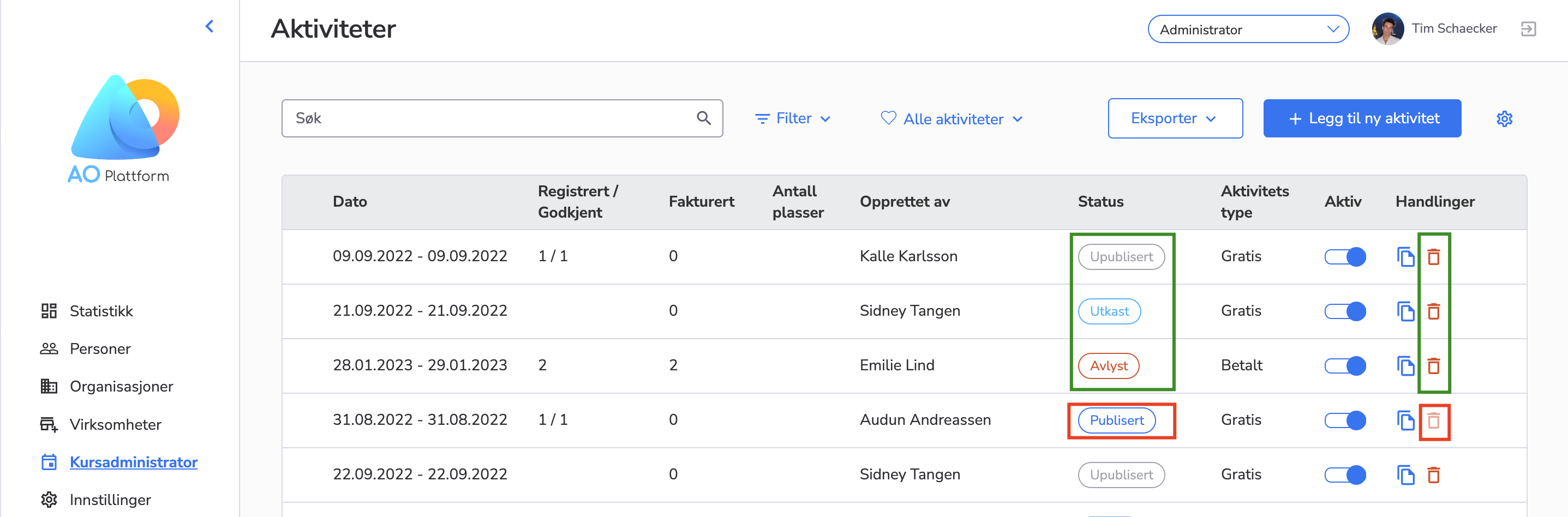
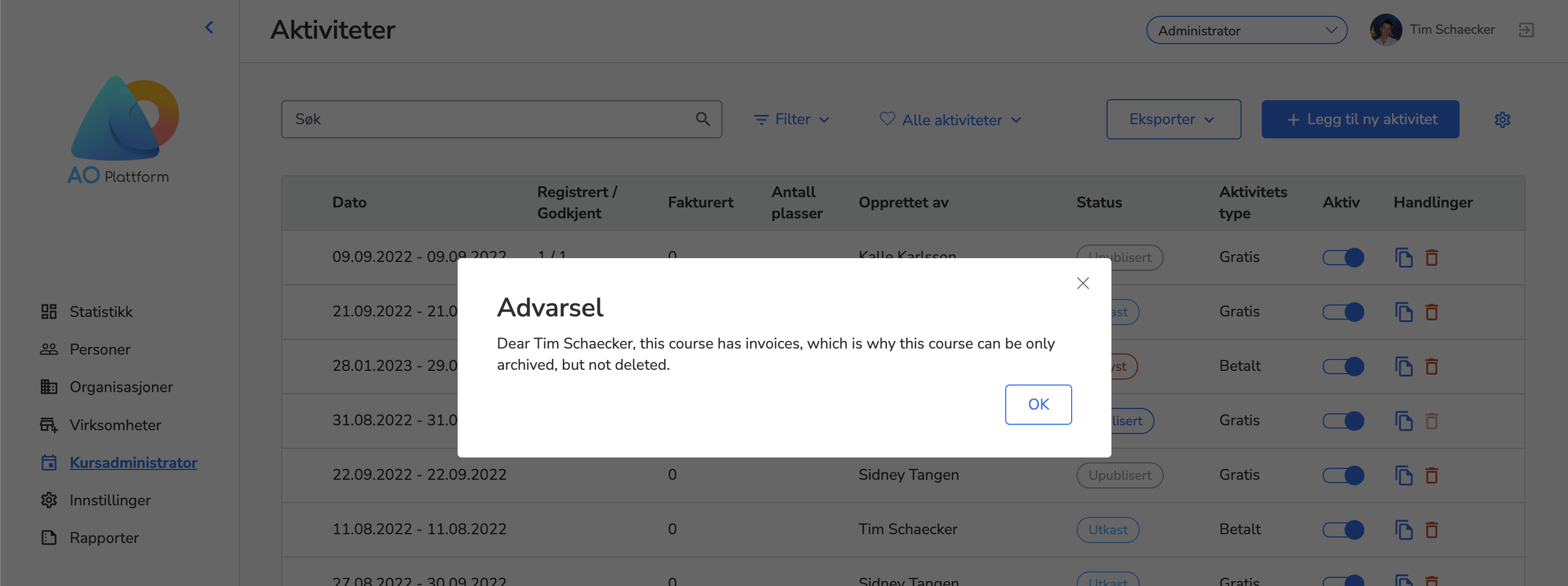
Please, also, note, that if the course has invoices, this course can not be deleted but only archived.
Now, there is a second-level navigation menu in our system. When a user clicks on any item from the second-level menu the related page is opened on the right side of the same page.