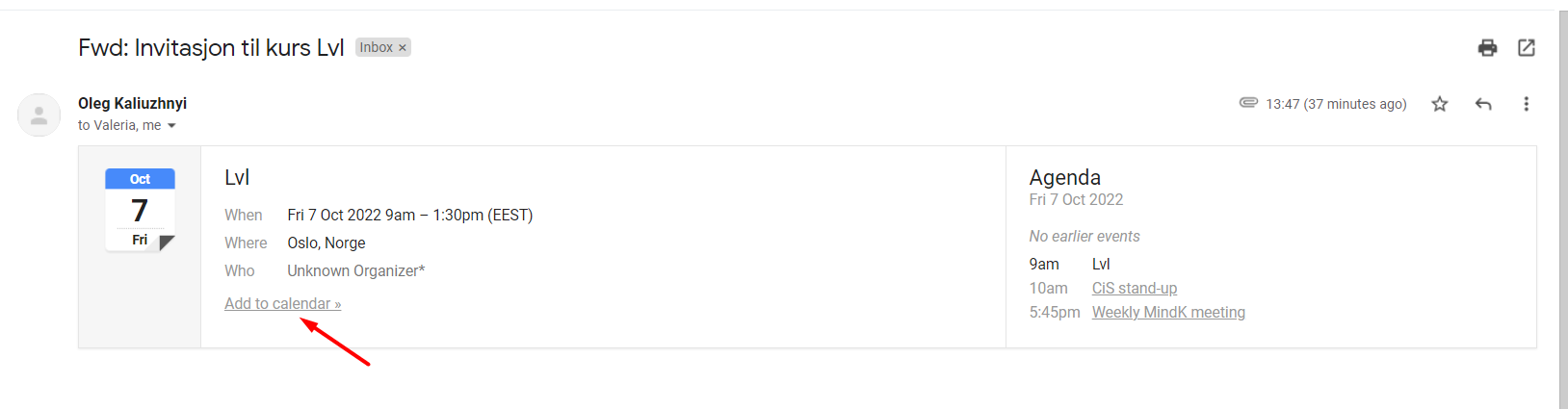
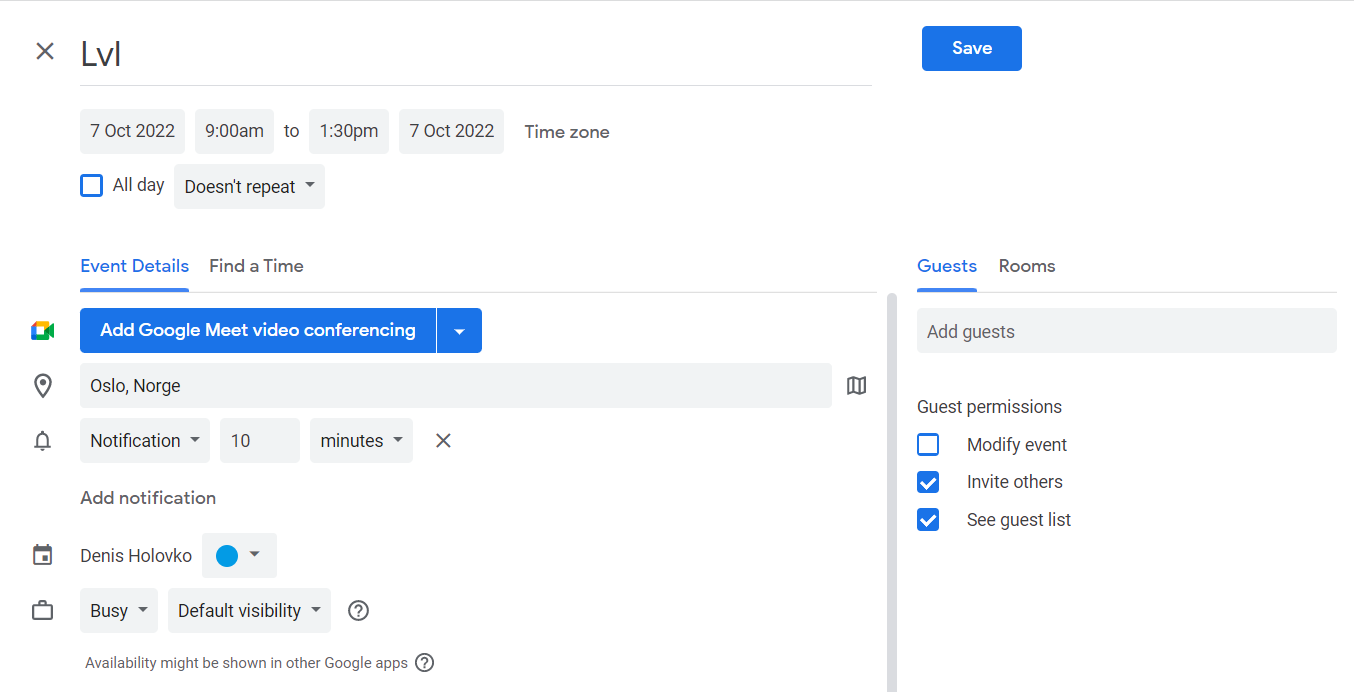
We added a calendar file to the “Course invitation“ email. This calendar file allows the email receiver to add the course event to his/her personal calendar (like Google Calendar or Outlook). It can help people quickly remember when the course starts and not miss it.
We added a few improvements to our activity functionality:
1. The logic of auto-invoicing was updated: the participants with the “Finished“ status are able to get the auto-invoices as well, as participants with the “Published“ status currently get them. For example, if the course has an auto-invoicing enabled and the participants should get the invoices on a certain date, then participants with the “Finished” status will get the invoices as well as the participants with “Published” status.
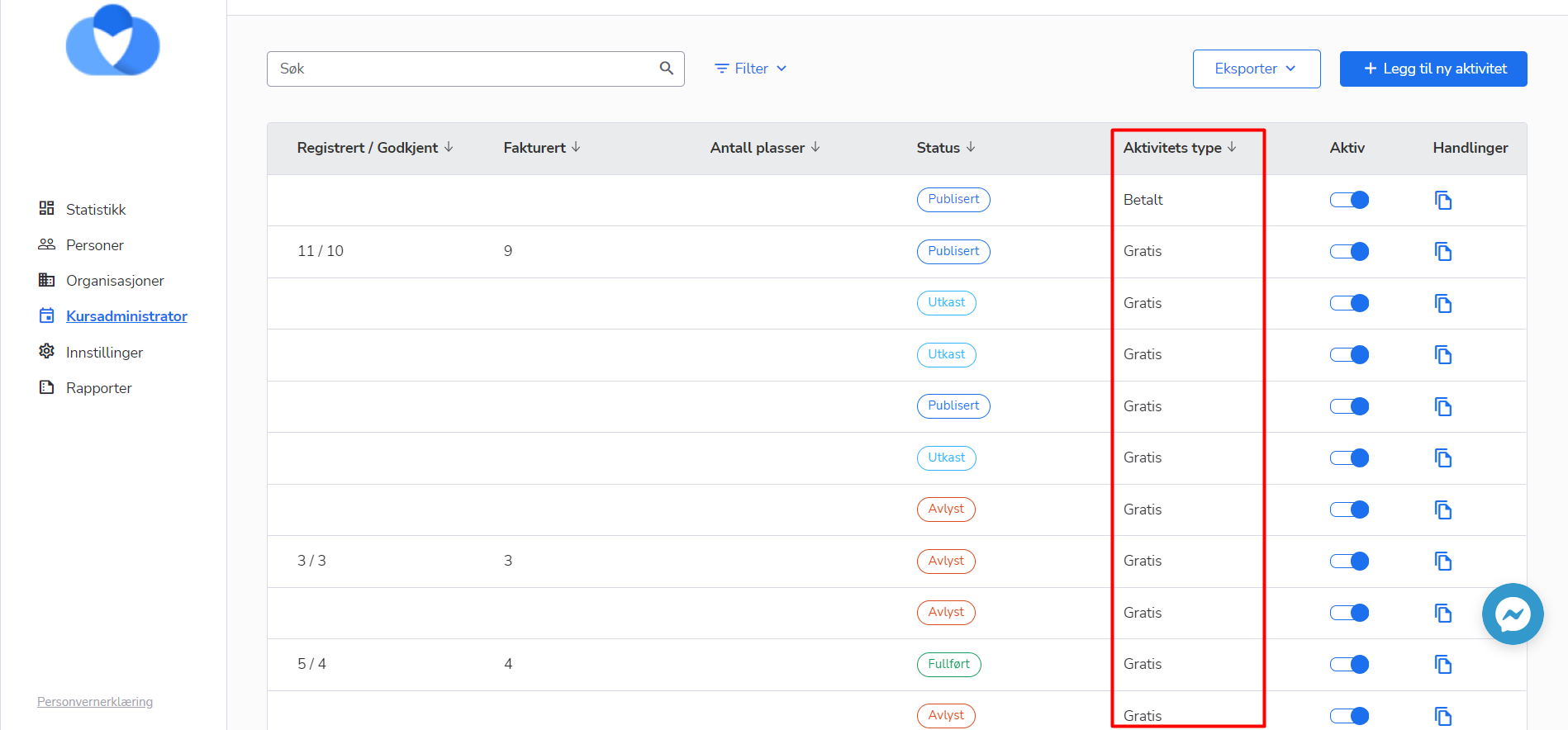
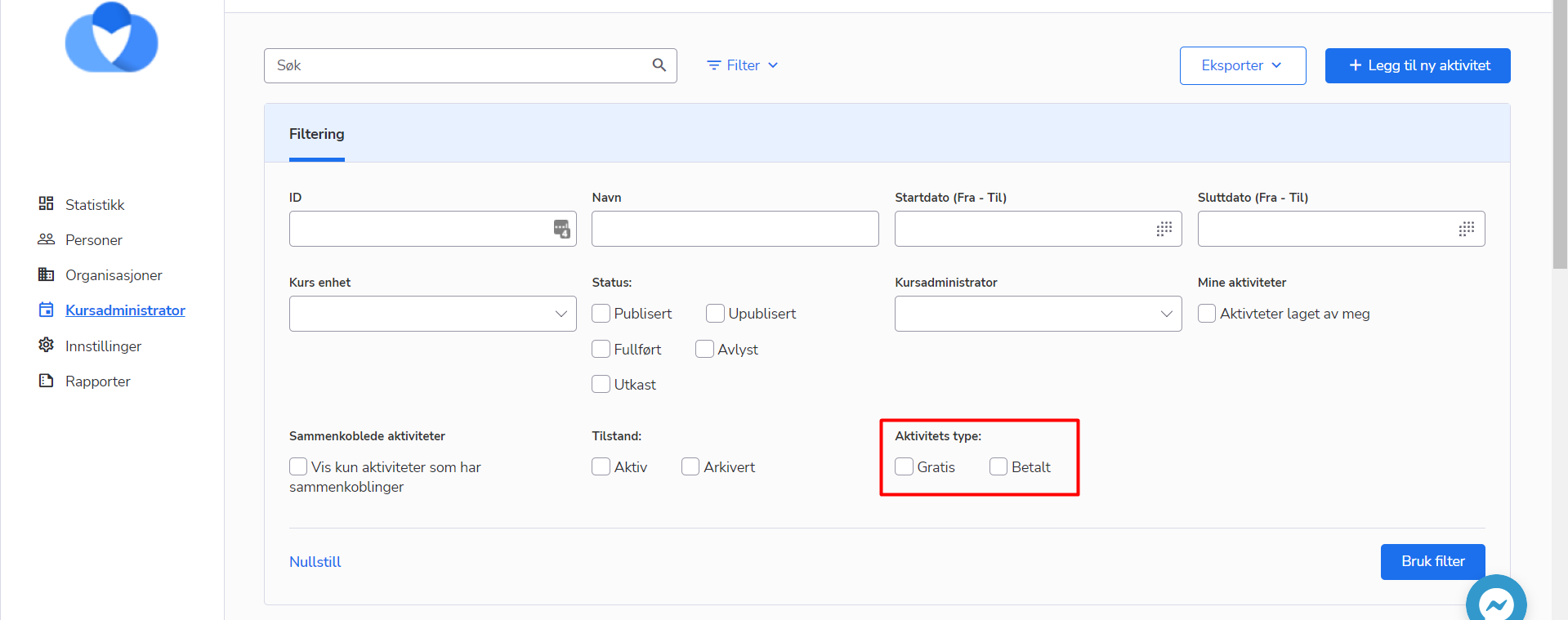
2. Added a “Сourse type” column to the course list the column displays is the course was created as “Free” or as “Paid”. Also, we add the filtering for this column, so the admin can filter only “Paid” or only “Free” courses
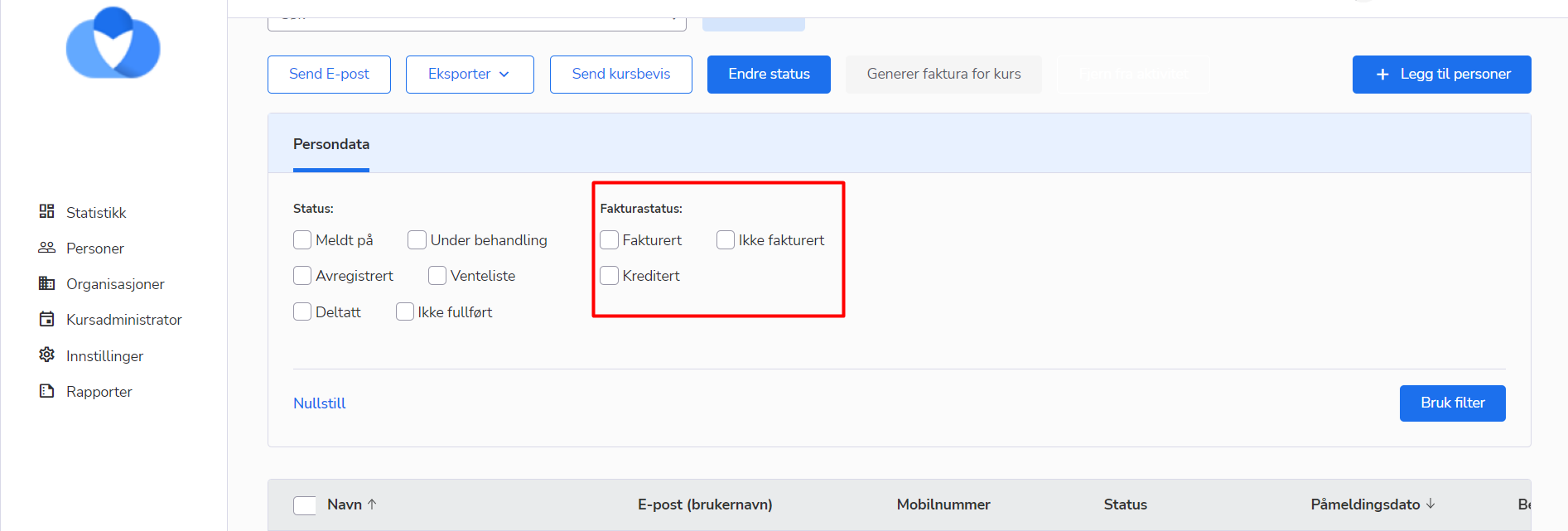
 3. Added a filter "Invoice status" to the course participant list, it can filter the participants with the certain status of their invoice
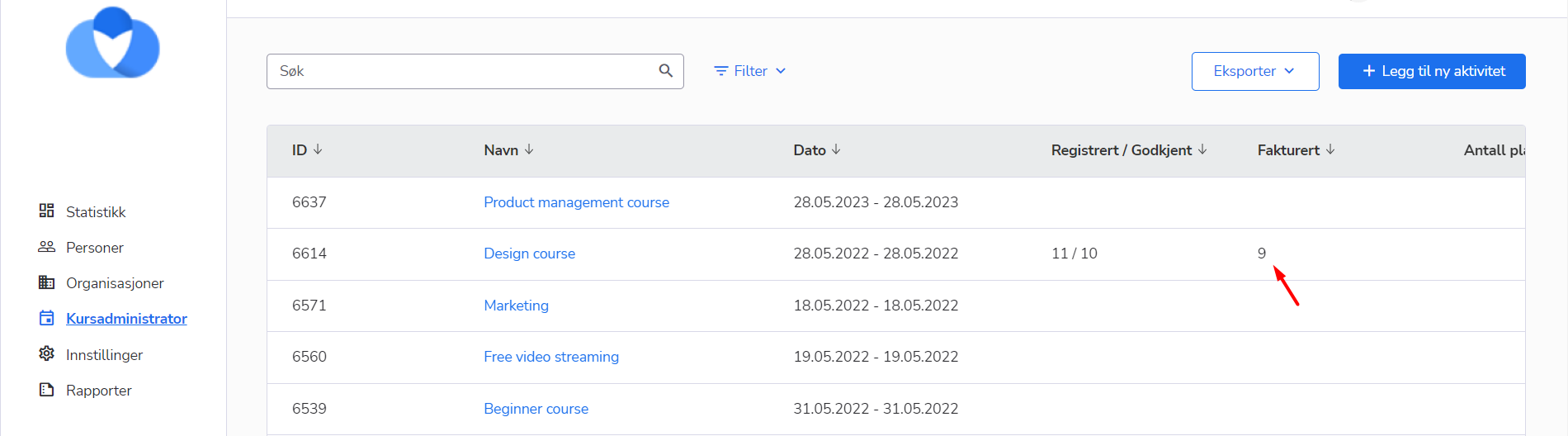
4. Added a new column to the course list. The column name is “Invoiced“. It displays the number of participants who were invoiced. If the course participant has the status “credited” then he/she won’t be counted as an invoiced participant in this column
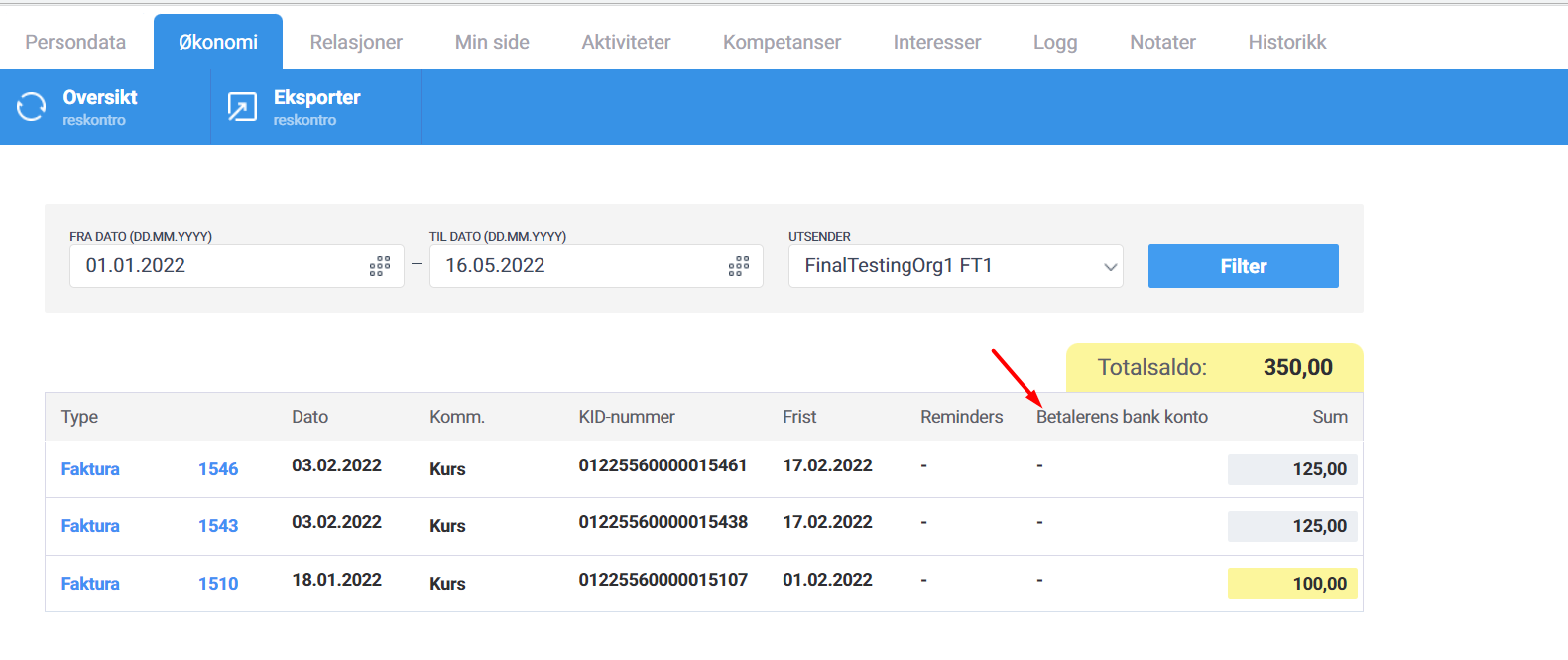
Previously, it was possible to see the “Betalerens bank konto” only in the “Transaksjoner” tab of the invoice. Now you can see this information in the person/level/company card, “Økonomi” tab, reskontro lists
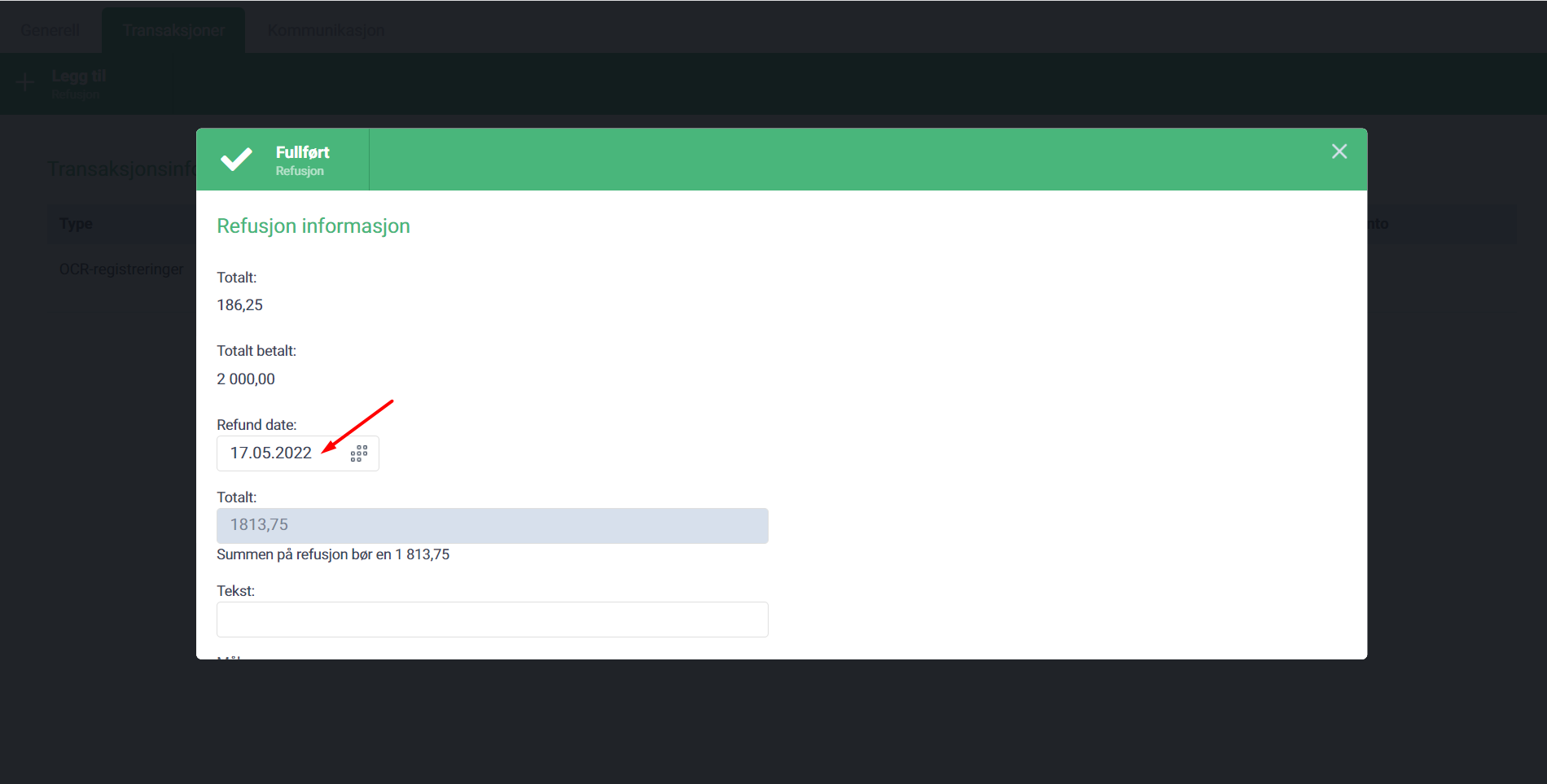
The admin can specify the date of the refund when he creates the refund transaction for the overpaid invoice. The date of refund has one restriction - the admin cannot set up the future date for the refund. Only current or previous dates.
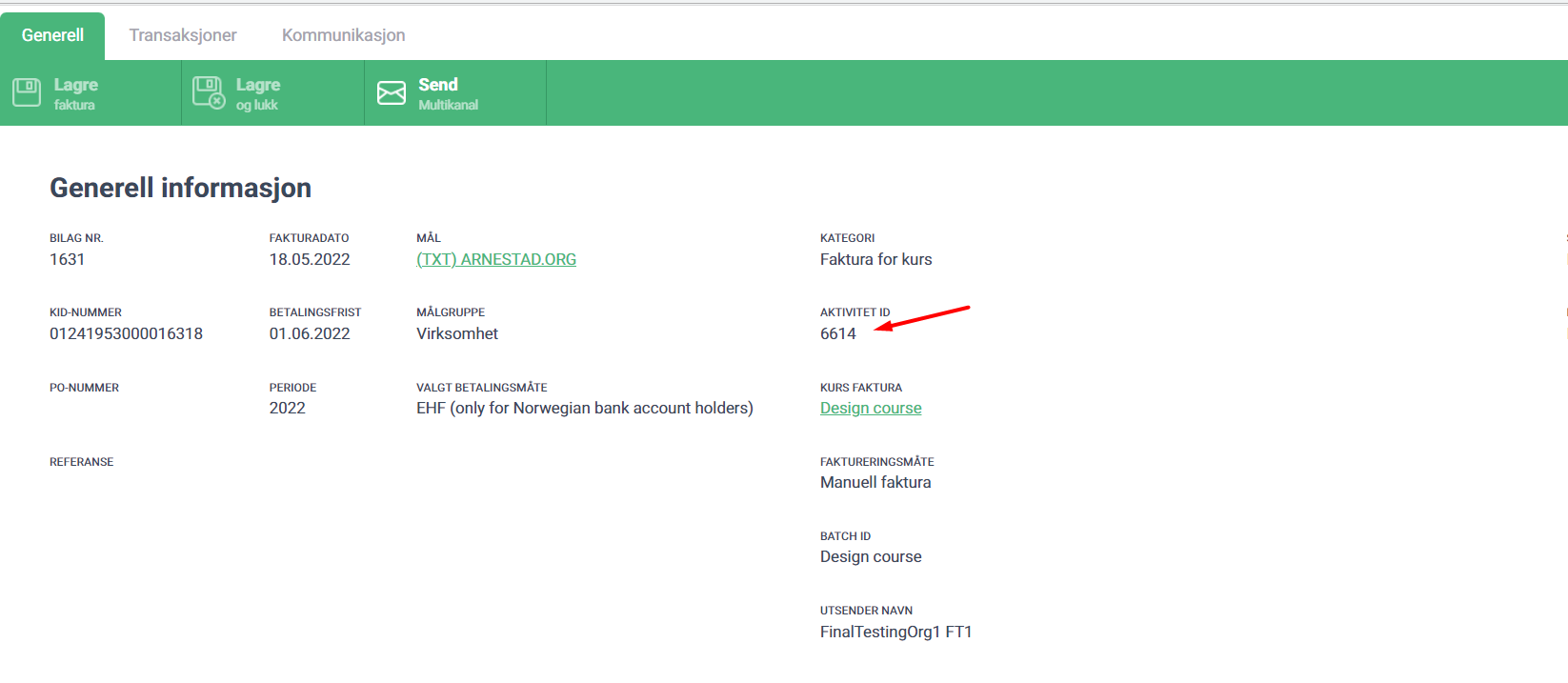
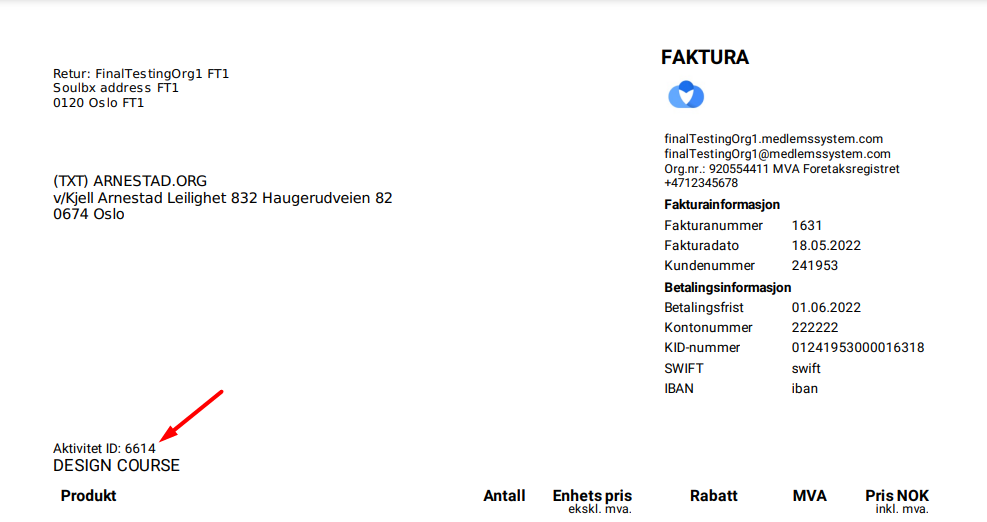
Now, the course id is displayed on the invoice card, if the invoice was issued for the course. Also, the course id is displayed in the pdf version of the invoice
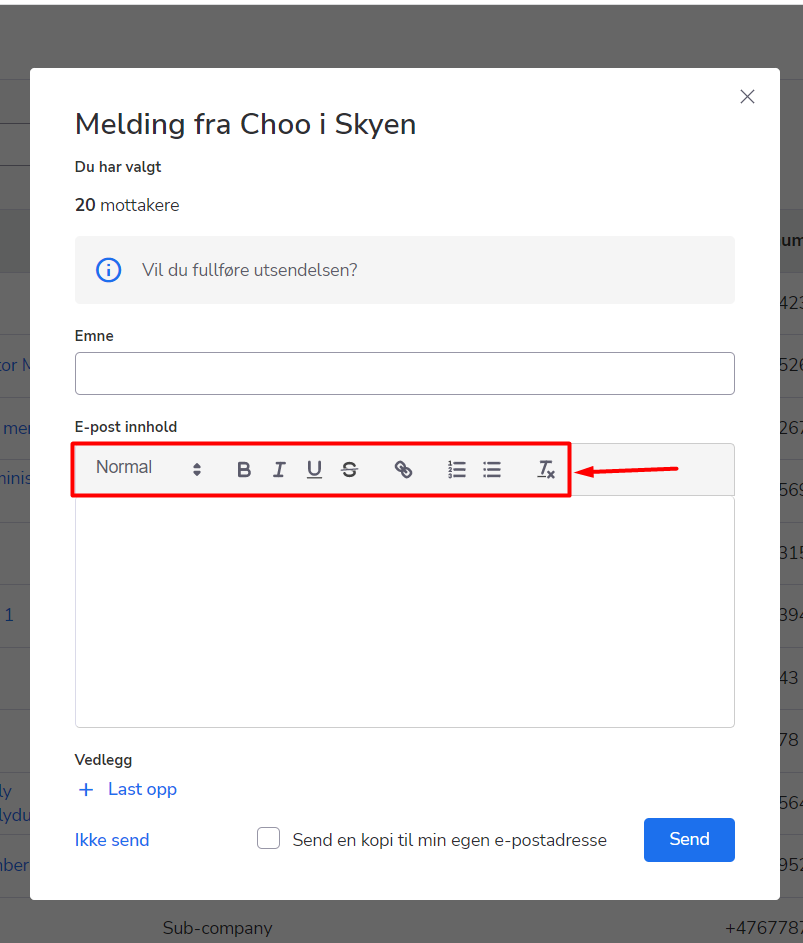
Now, you can format the text in the “Send E-mail” pop-ups. You can find them on the person list or course participants list. It is possible to make the text bold, italic, underlined or crossed. Also, you can add hyperlinks and bulleted or numbered lists.
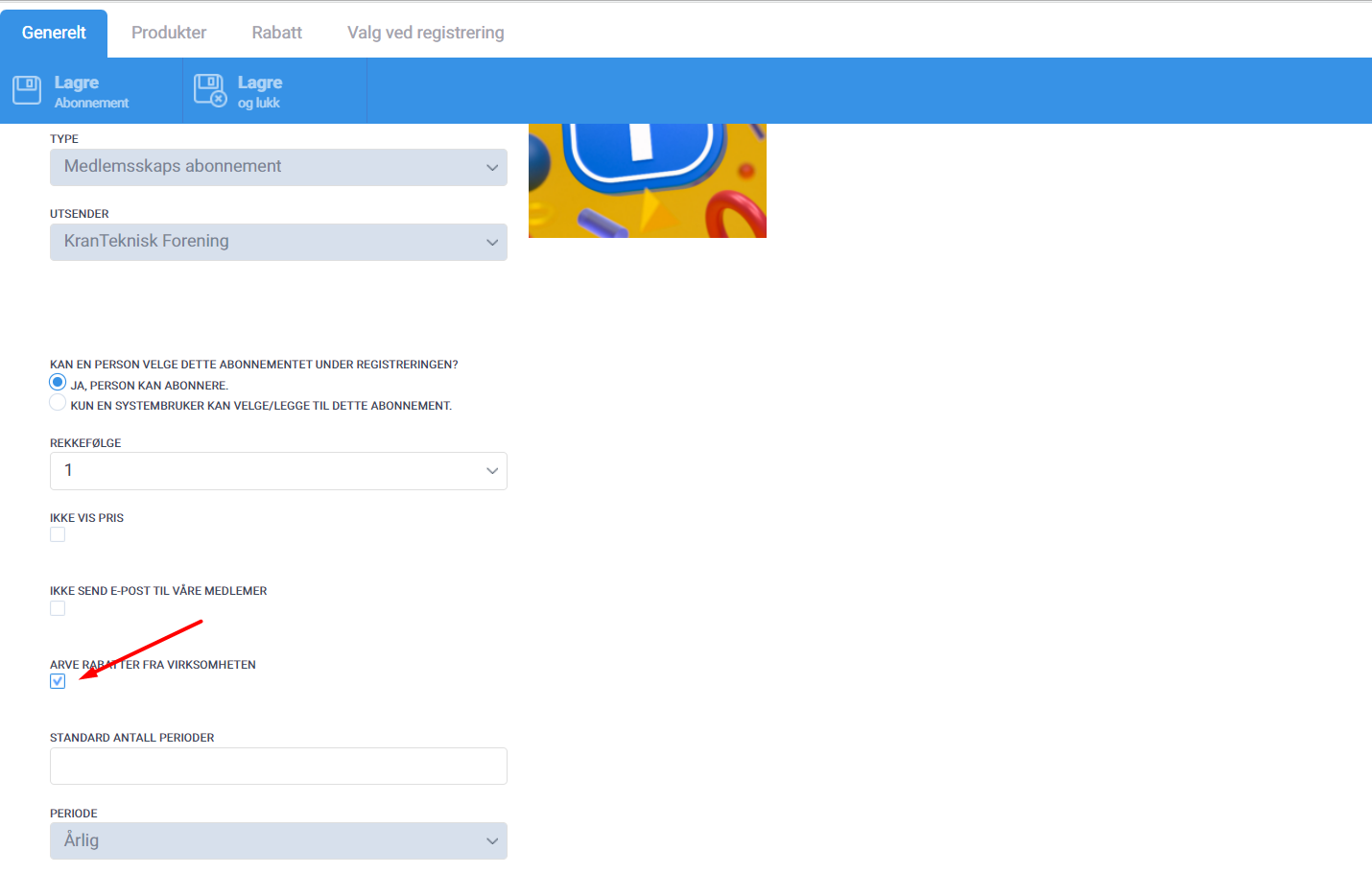
Right now, the logic of the “Inherit company discount” option can be applied to the sub-companies as well. That means that all the participants in the companies with enabled “Inherit company discount” option, will be able to see and pay the “member” price for the courses, regardless of the company type (main/sub-company) and who is paying for the company (company pays for itself/main company pays for sub-company).
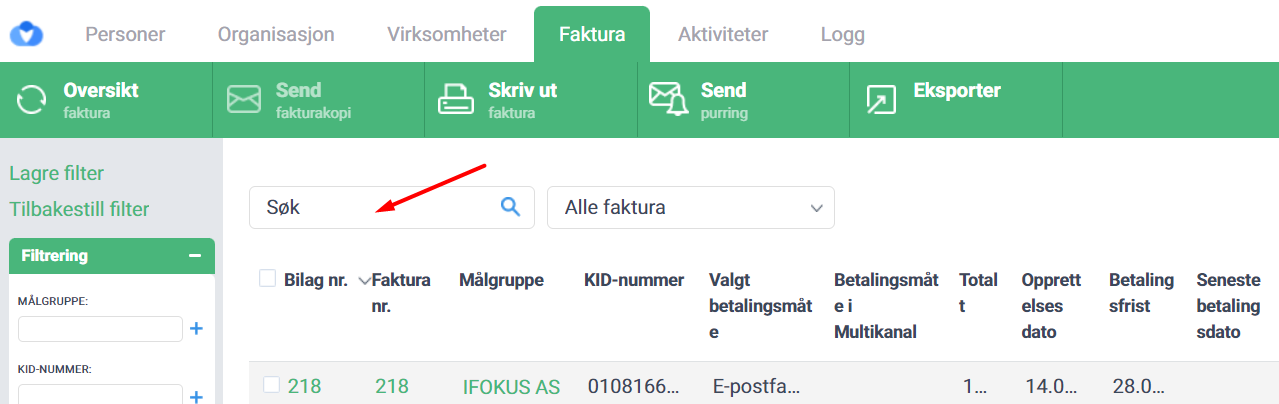
Now you can find the invoices and the credit notes for them by entering the “Faktura nr.” into the “Quick search” field
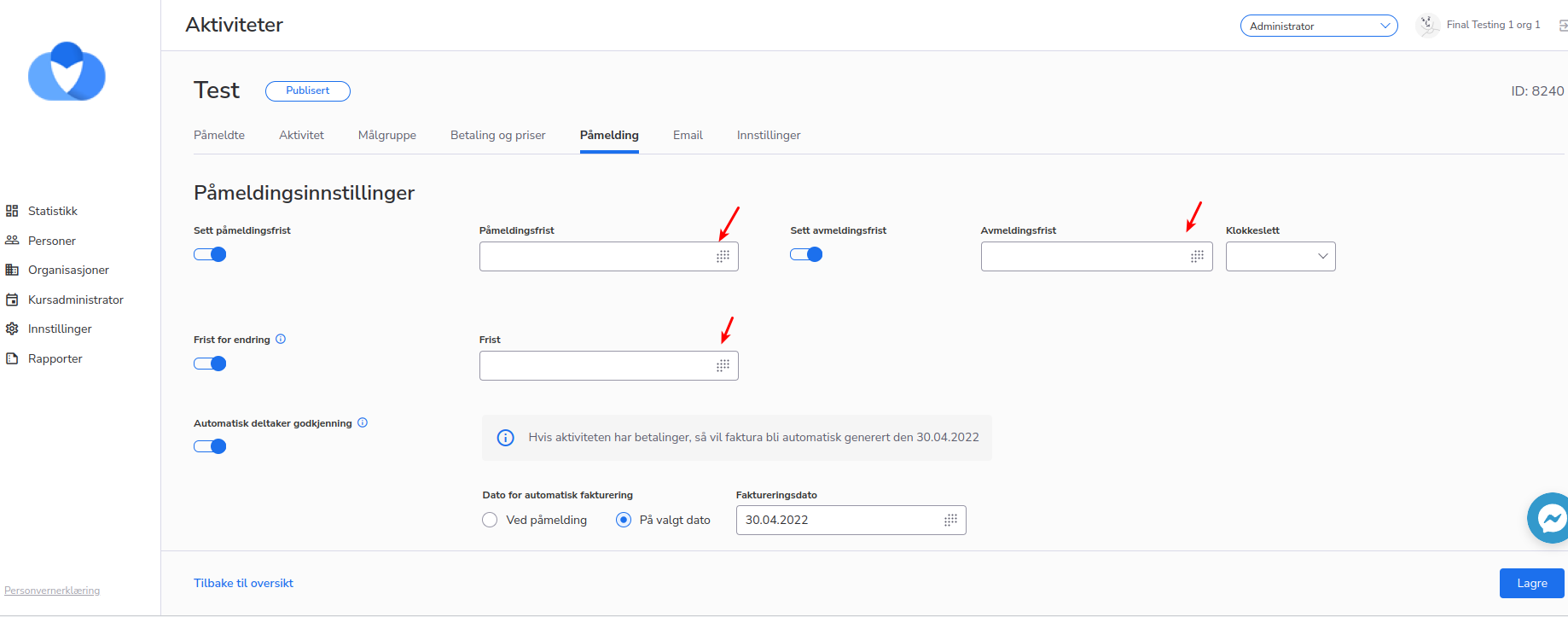
When the date was selected it didn’t display in the date picker.
But this case was fixed, and the date picker is working correctly now.
The error message appeared when the administrator selected different menu items.
We have fixed this case, and now when the administrator selects an item from the menu there is no error message displayed.

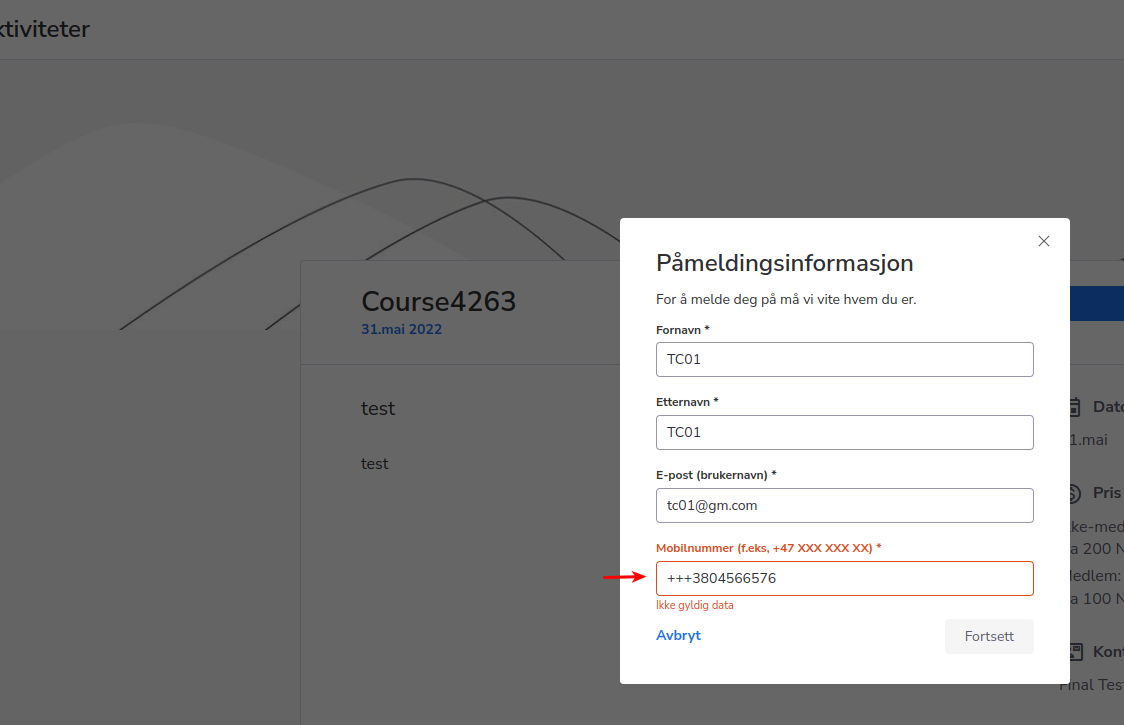
There was an error on the first registration window when a person tried to sign up for a course.
In the field “mobile number” several pluses were added.
The case is now fixed, and there is only one ”+” sign in the “mobile number” lightbox.