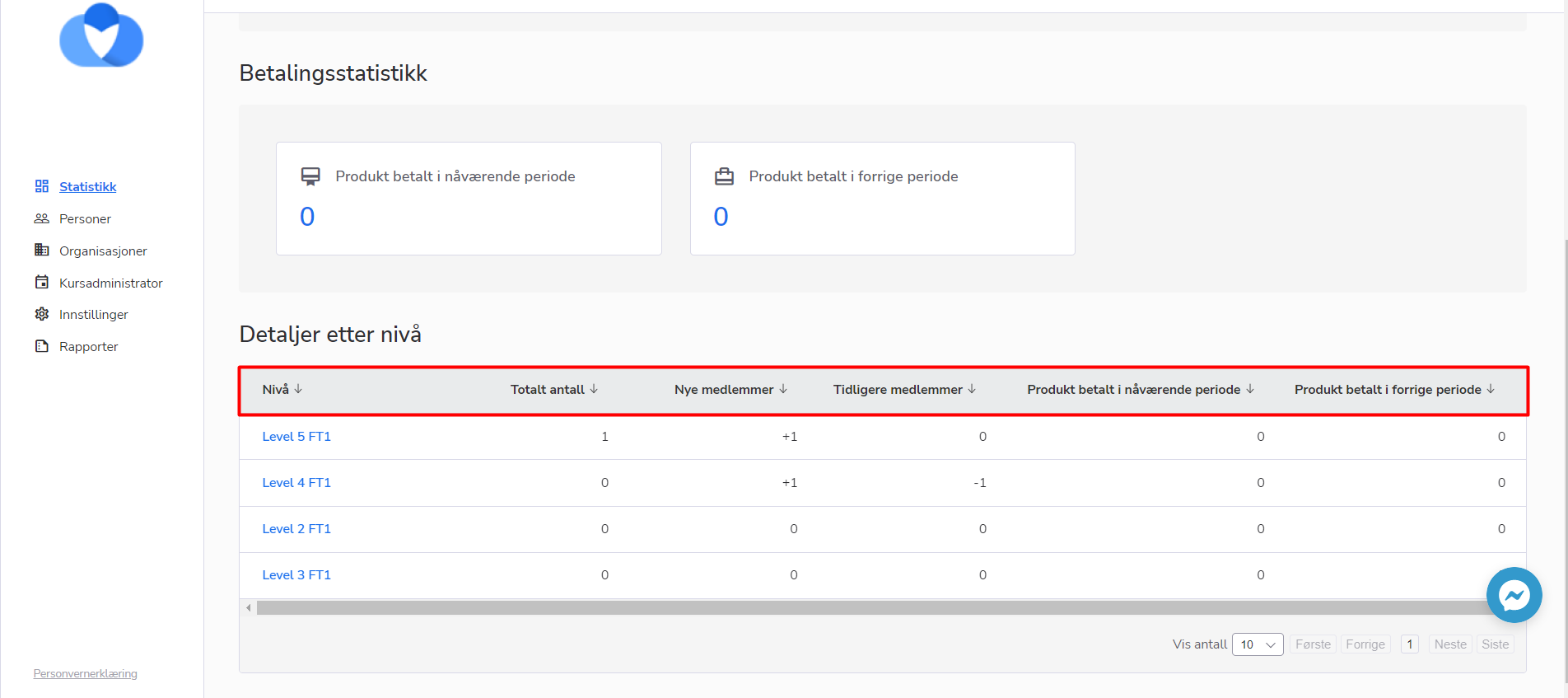
If your organization has a Dashboard page and has levels that include several sub-levels, you as a person admin will be able to sort the values in the sub-level tablet(in case you have access to the main level).
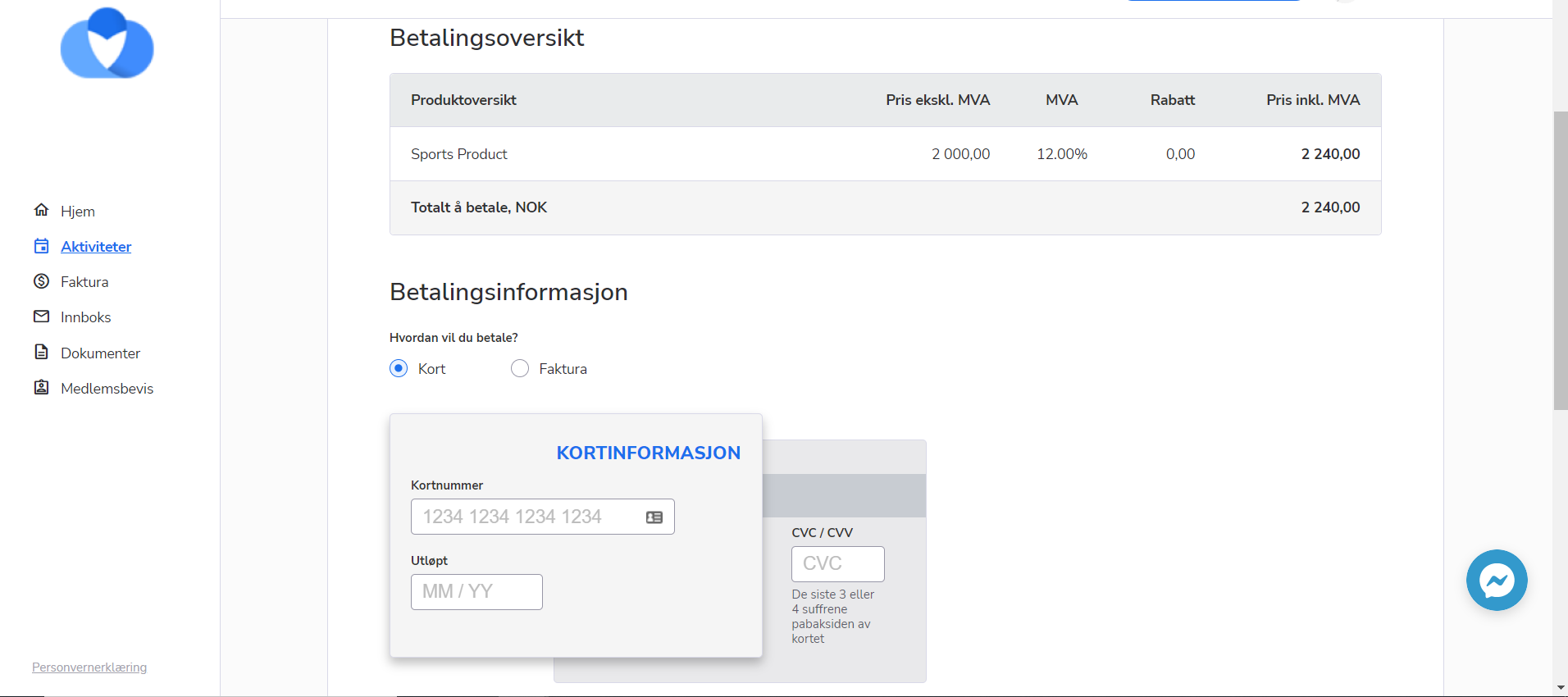
Now, course participants can pay with the card, through Stripe, even if the auto-invoicing wasn’t enabled for the activity.
How to use:
We’ve changed the logic for OCR files uploading: now, the system will be uploading OCR files as the background process. This means that the data uploading will be placed in the system operations queue and then will be performed according to the order. After that, the user will get an email from the system about the result of uploading the OCR file. This way of handling the OCR uploading process is more beneficial for the system performance and it will allow maintaining more stable system work.
The “Activity id” filter was moved higher in the filter’s panel, so the user doesn’t need to scroll every time in order to use it

The system displayed the error “Something went wrong” message after changing the member’s information and saving the member’s card.
This issue was fixed, and now it is possible to save and edit information.
We have faced the issue with users’ rights.
The level course administrators who had extra access to courses were able to see the information about all members in the system.
This case was fixed, and currently, there are no issues with rights.