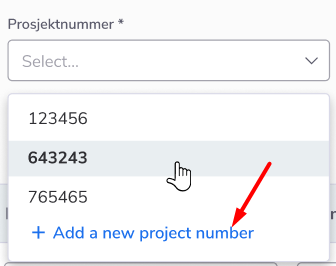
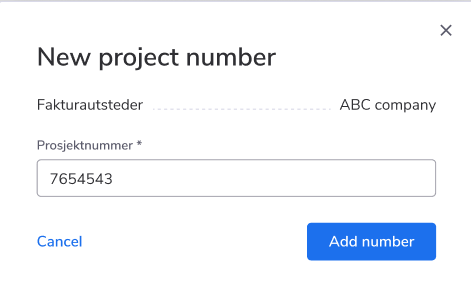
Now, course administrators are able to create a new project number when they’re creating or editing a certain activity.
How to use:
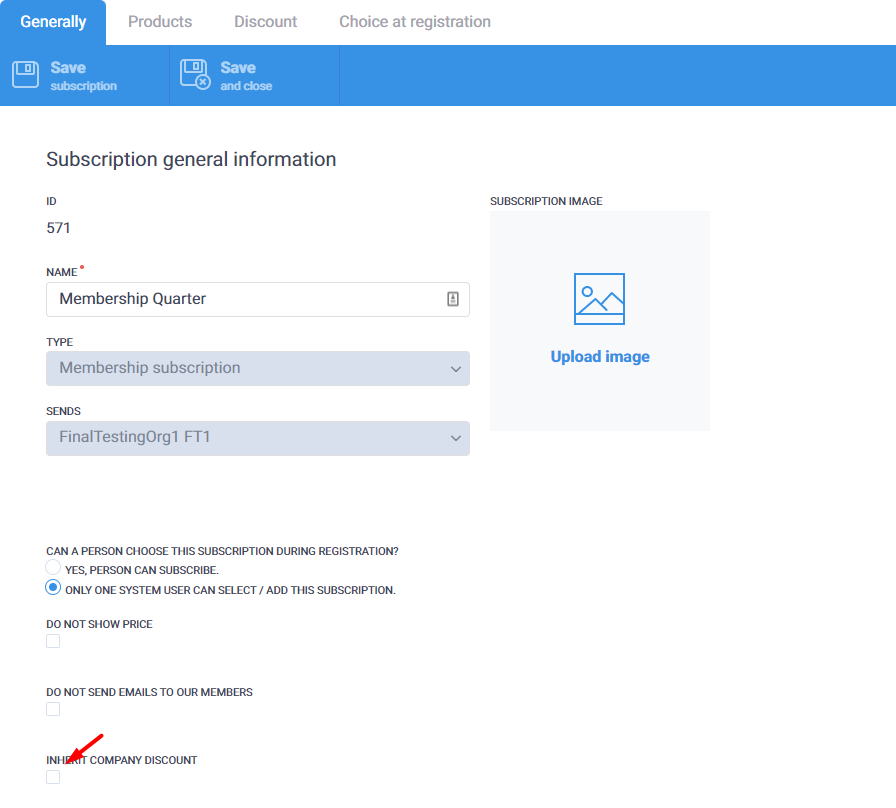
Now, as an administrator, you can set up the following behavior: if a company has an active member subscription, it will be applied to the company members also. That means, that company members will be able to register for courses and pay for them as people who have an active member subscription.
How to use:
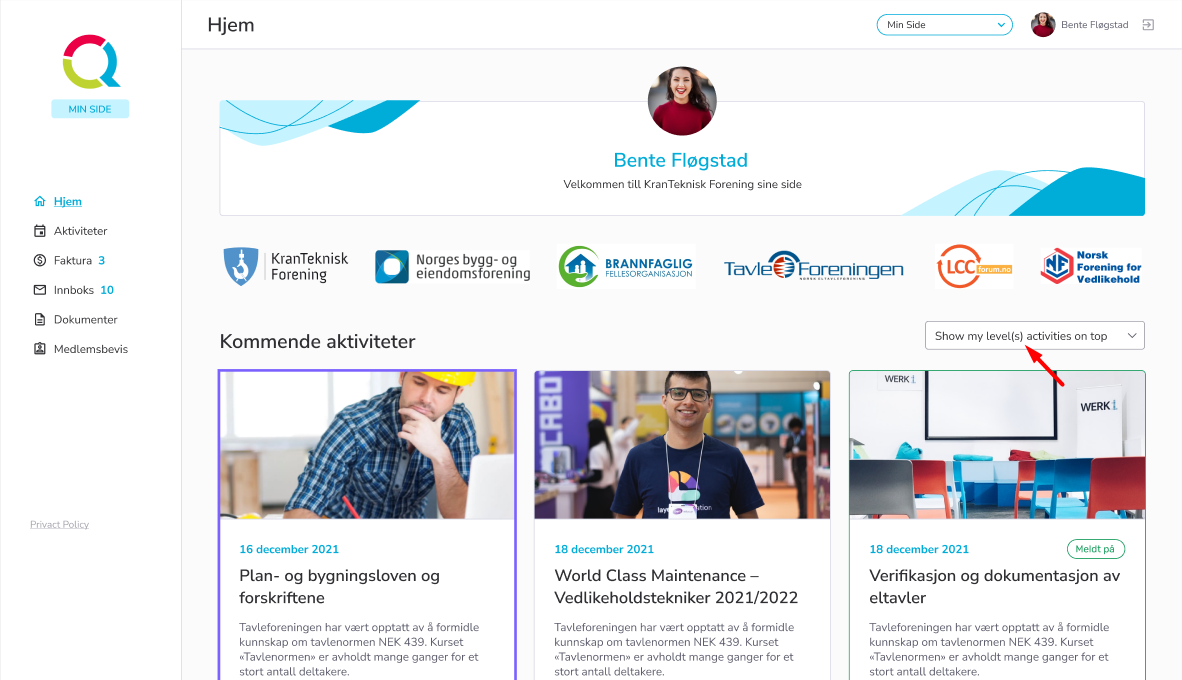
Right now user can prioritize the displaying of the courses on My Page, by choosing the option of displaying. If the user selects “Show all activities” the system will sort the activities according to closest start dates, if the user selects “Show my level(s) activities on the top”, it will sort the activities according to the closest start dates and according to the level(s) which the activities and the user belong to.
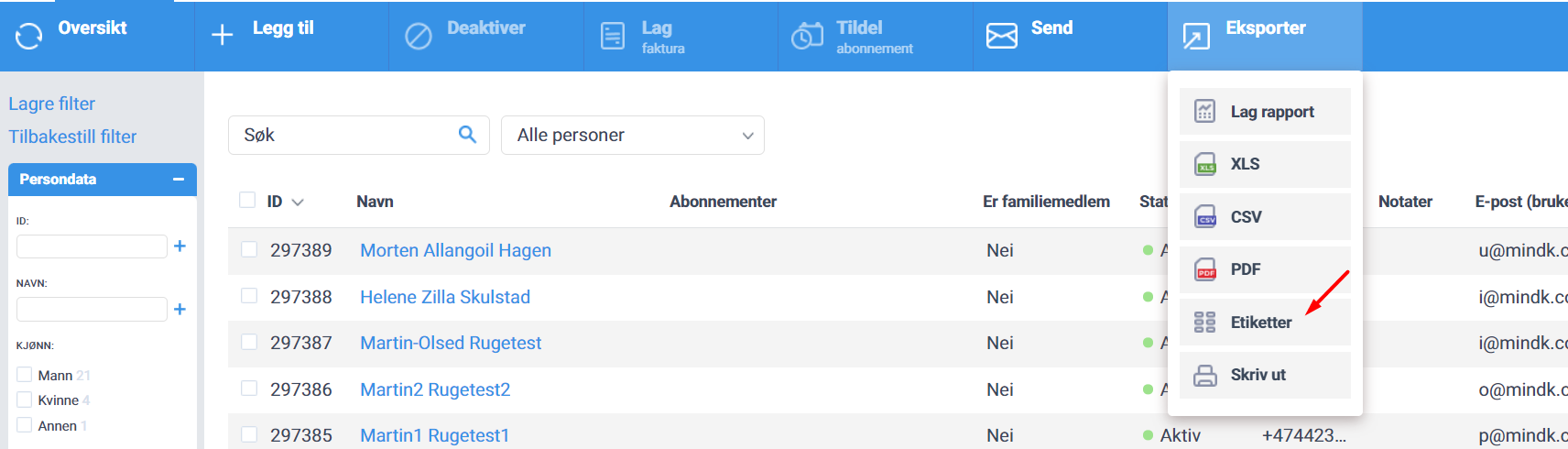
Now the page with labels consists of 8 strings instead of 7(before it was displaying 7 strings)

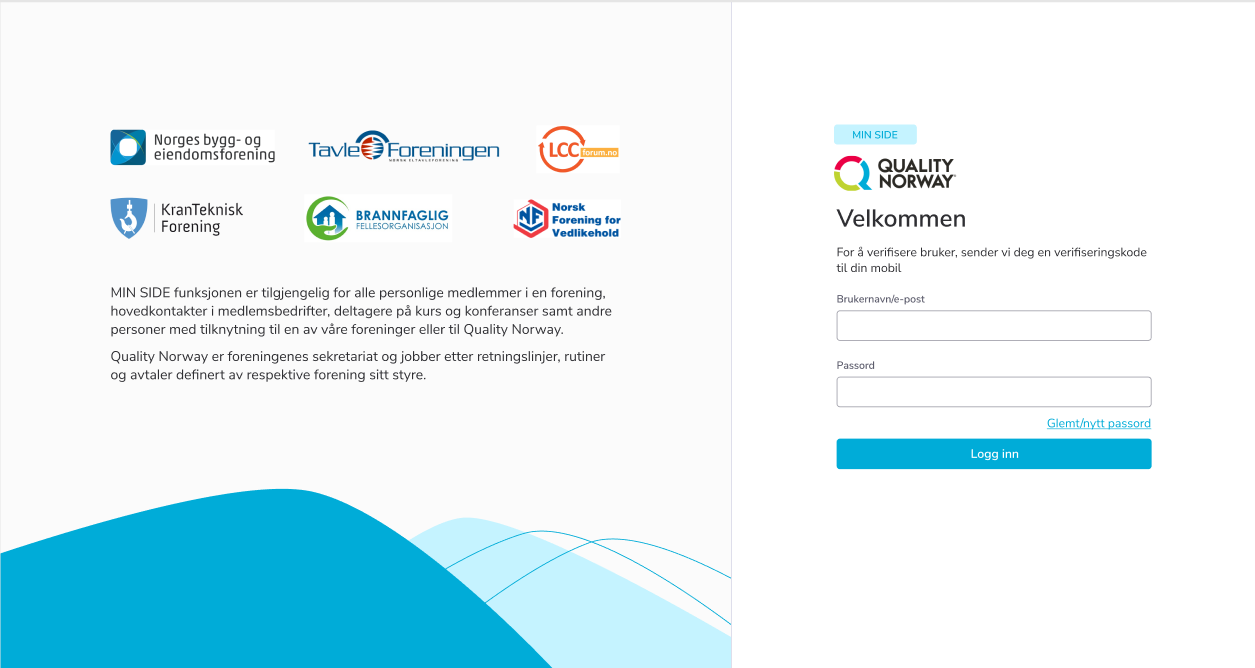
We’ve added a possibility to display logos and text on the Login and Home pages. The main point of these possibilities is to highlight the connection between your and other organizations. Also, by adding the text on the Login page, you can convey a certain idea to the user who is going to register in the system or already using it.